• Greetings, Devil Dog! Welcome to the Call of Duty Forums. It looks like you're looking forward to Call of Duty: Modern Warfare 4, but haven't created an account yet. Why not take a minute to register for your own free account now? As a member you get free access to all of our forums and posts plus the ability to post your own messages, communicate directly with other members and much more.

nvidia dsr in nividia control panel

ok heres video with the nvidia dsr check and smoothness i think 25% you can see the higher resolution in the game settings but using this setting it lowers fps but looks amazing and plays great. what do you peeps think.
What's more important is how do you feel about your overall gaming experience with your settings like this?

In terms of what I think, your accuracy is a lot better now, you played an awesome game and got 36 kills, supporting your team, though you could have played your streaks when you won them and capped some flags to help boost your teams scores. Your improvement in play must be the result of playing with better visibility, you were picking up more distance kills and seeing more enemies, tracking more movement, and it looked like you had a lot of fun in that round.

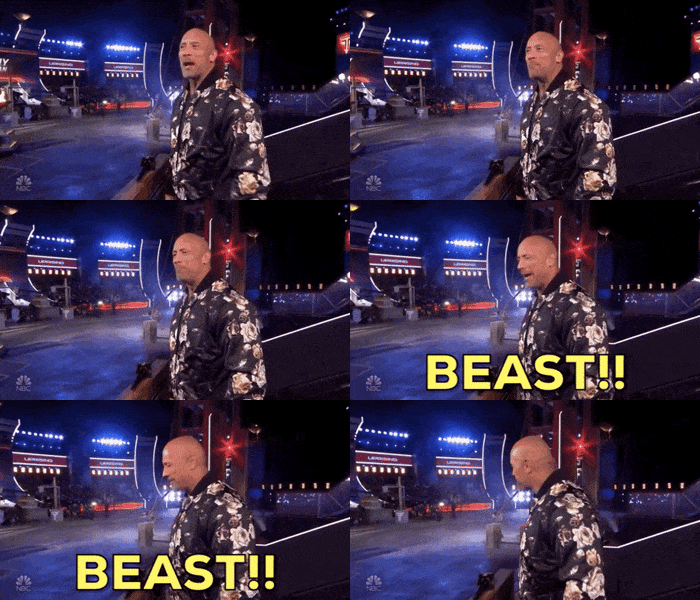
the rock beast GIF by The Titan Games
 
i feel good about the settings but i think ill read up some moreon it because i saw somthing about its best to stay with your monitors native res. why i dont know.
 
heres same settings and the dsr still on but i left it in 1440p still looks good fps went up so im thinking the dsr setting is just to get the higher resolution. do you see a difference. and i did read that its better to stay with monitor native resolution. im not looking at more performance im just looking at what this dlslr or whatever they are calling it does.

View: https://www.youtube.com/watch?v=Da4h0usCbfU
 
i feel good about the settings but i think ill read up some moreon it because i saw somthing about its best to stay with your monitors native res. why i dont know.
I remember it as being that it's best to stay within your monitor's refresh rate, so if you have a 144hz monitor aim at keeping your FPS below 144, as you have a 270hz monitor you want to aim at less than 270FPS.

The reason being is that going over the native refresh rate stops G-Sync from working.

If you go back and look at how you were playing on the videos where you were running at low settings for everything and getting much higher FPS, you will see a level of play that's nowhere near as good as you played in this last video.

heres same settings and the dsr still on but i left it in 1440p still looks good fps went up so im thinking the dsr setting is just to get the higher resolution. do you see a difference. and i did read that its better to stay with monitor native resolution. im not looking at more performance im just looking at what this dlslr or whatever they are calling it does.
The official definition for DLDSR is:

DLDSR (Deep Learning Dynamic Super Resolution) renders a game at higher, more detailed resolution before intelligently shrinking the result back down to the resolution of your monitor. This downsampling method improves image quality by enhancing detail, smoothing edges, and reducing shimmering.
So, you are rendering at a higher resolution and then down sampling the render to get better looking image quality at a lower resolution then you would otherwise get if you were to render at the lower resolution with higher detail settings. At least that's how I understand it.
 

Like CODForums!

Advertisements

Back
Top